spsXChange can be used to monitor multiple Stations within a Production Process
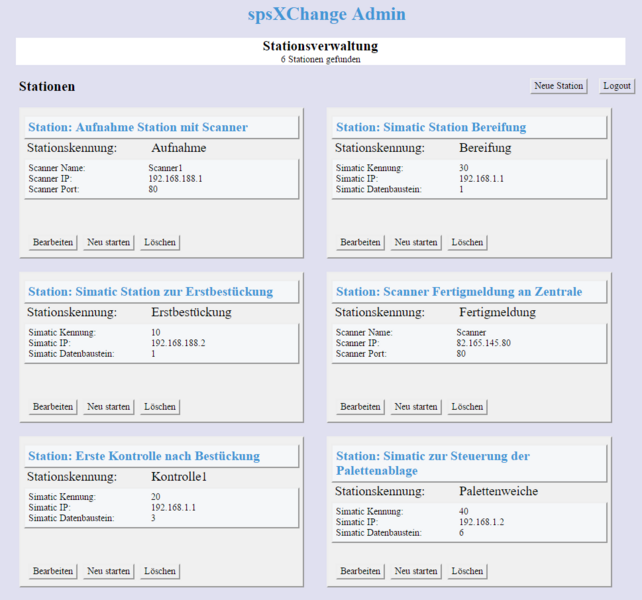
spsXChange can monitor several different production points that use an S7 or scanner. The amount is limited by the performance of the computer it is installed on.
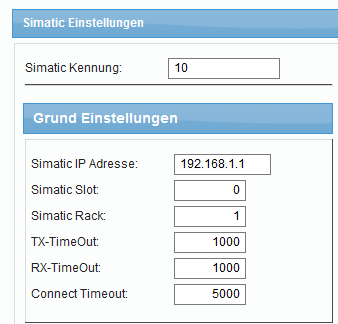
Using the administration interface settings can be made for each individual station or production point. Easily using a browser application from anywhere within the company network.
The administration interface lists all stations and the setting for the Simatic or scanner can be changed according to requirements.
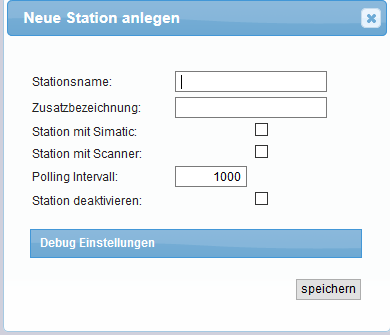
Stations can be added and deleted.
Access to this module is protected by password.